 GoFrog
Vault
The door code, bookings and flights, instead of digging through hundreds of messages.
Save documents to the Vault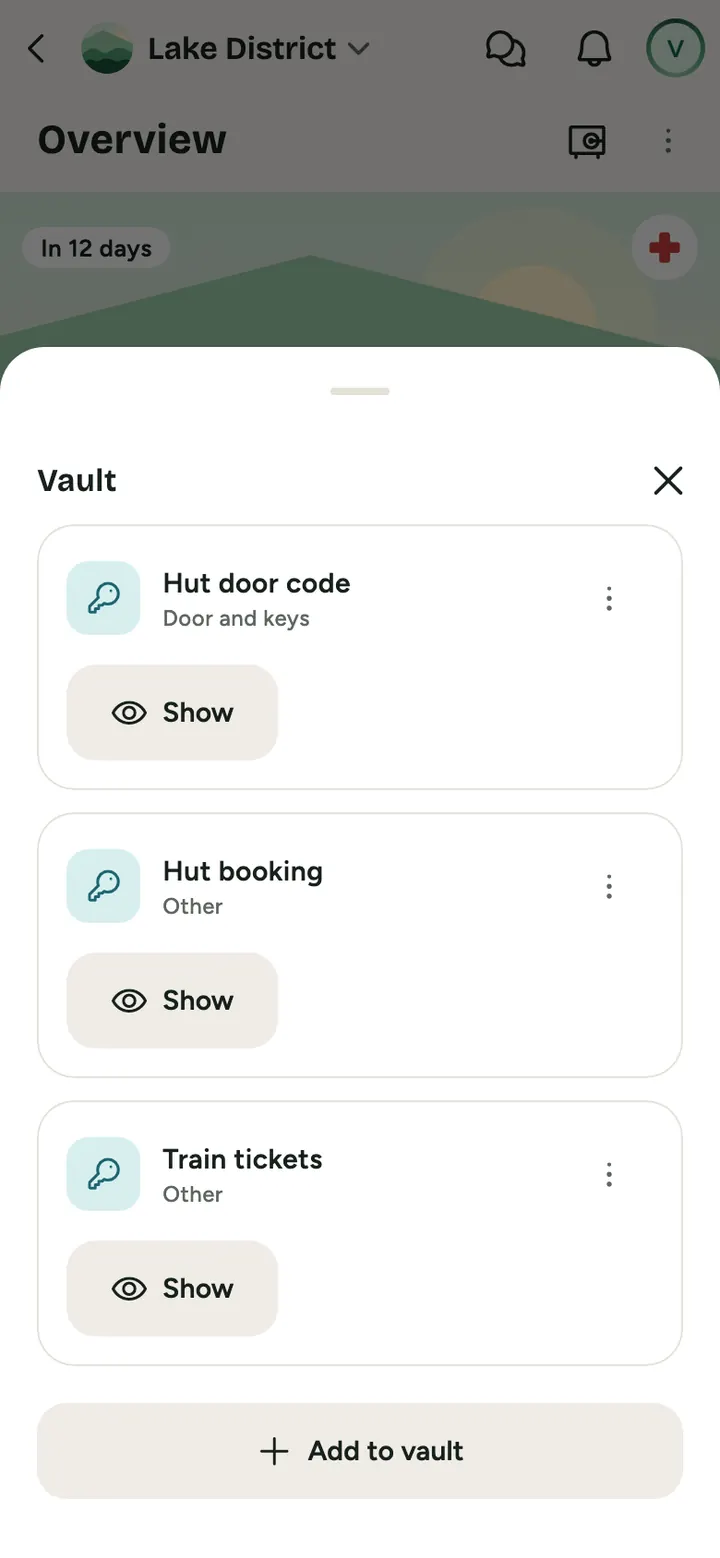
How to do it
Save what the crew needs
Codes, bookings, flights and other files for each trip.
Decide who sees it
Everyone or just someone, and optionally only from a certain day.
It appears on tap
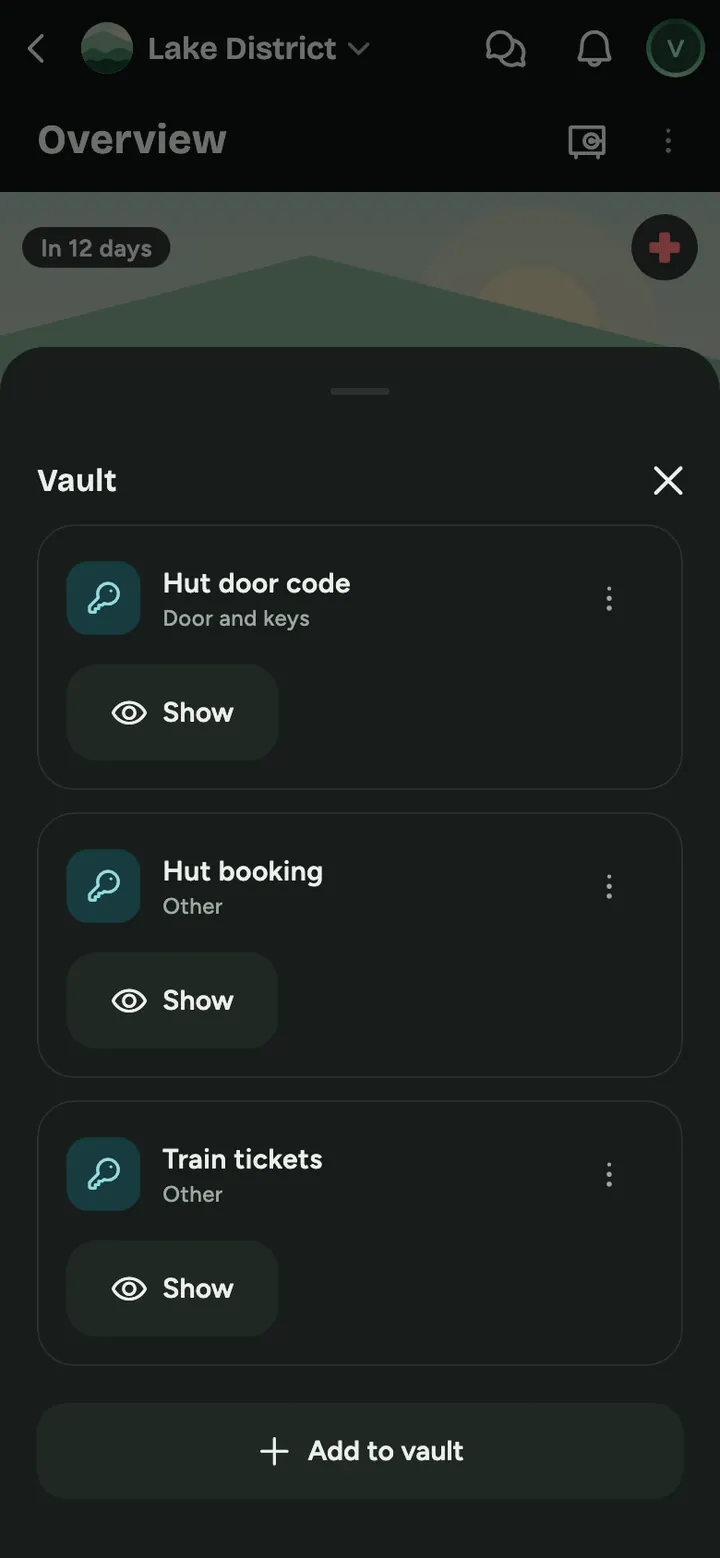
A secret value is not visible at first glance, it shows after tapping Show.
What goes in the Vault
Files
Flights, tickets or insurance as a PDF or photo up to 10 MB.
Codes and passwords
Doors and keys, Wi-Fi or accounts. Stored encrypted, and every view is logged.
Who and from when
The whole group or chosen people. The hut code can appear only on arrival day. The author and organisers always see the item.
Passport and validity
Your passport lives in your profile and only the last 4 characters show. The app warns you if it expires before the trip ends.
And on top of that
- Flights from a photo of your boarding pass (Chrome on Android and PC)
- Passport expiry reminders
- After Save for the road, codes and document files open without signal
Common questions
Is it encrypted?
Secrets and files are encrypted on the server. The server holds the key, so this is not end to end encryption. Do not store things like your card PIN here.
Who can access documents?
Only the trip members you choose.
Can I open the hut code without signal?
Yes, if you save the trip first with Save for the road. A code that unlocks later reaches your phone at most 48 hours in advance, so open GoFrog with signal at least once in that time. Without signal, only your phone's clock guards the unlock date. Codes leave your phone the day after the trip ends. On iPhone, add GoFrog to your home screen, otherwise Safari may delete saved data after a week without opening it.
Does it stay there forever?
No. Vault content is deleted after a set period once the event ends, it isn't permanent storage.
Try it at your next get-together
Create a plan and send the link to anyone you like. It takes a minute.
Save documents to the Vault