 GoFrog
No signal, still covered
Signal disappears in the mountains. Your plan, documents and emergency details should not.
Get a trip ready for the outdoorsHow to do it
Save for the trip
Tap Save for the trip in the overview. It stores the program, transport, stays, routes, expenses, documents and the map around your places and routes.
Keep logging
Expenses, food and water are logged without signal and send themselves once there is a connection.
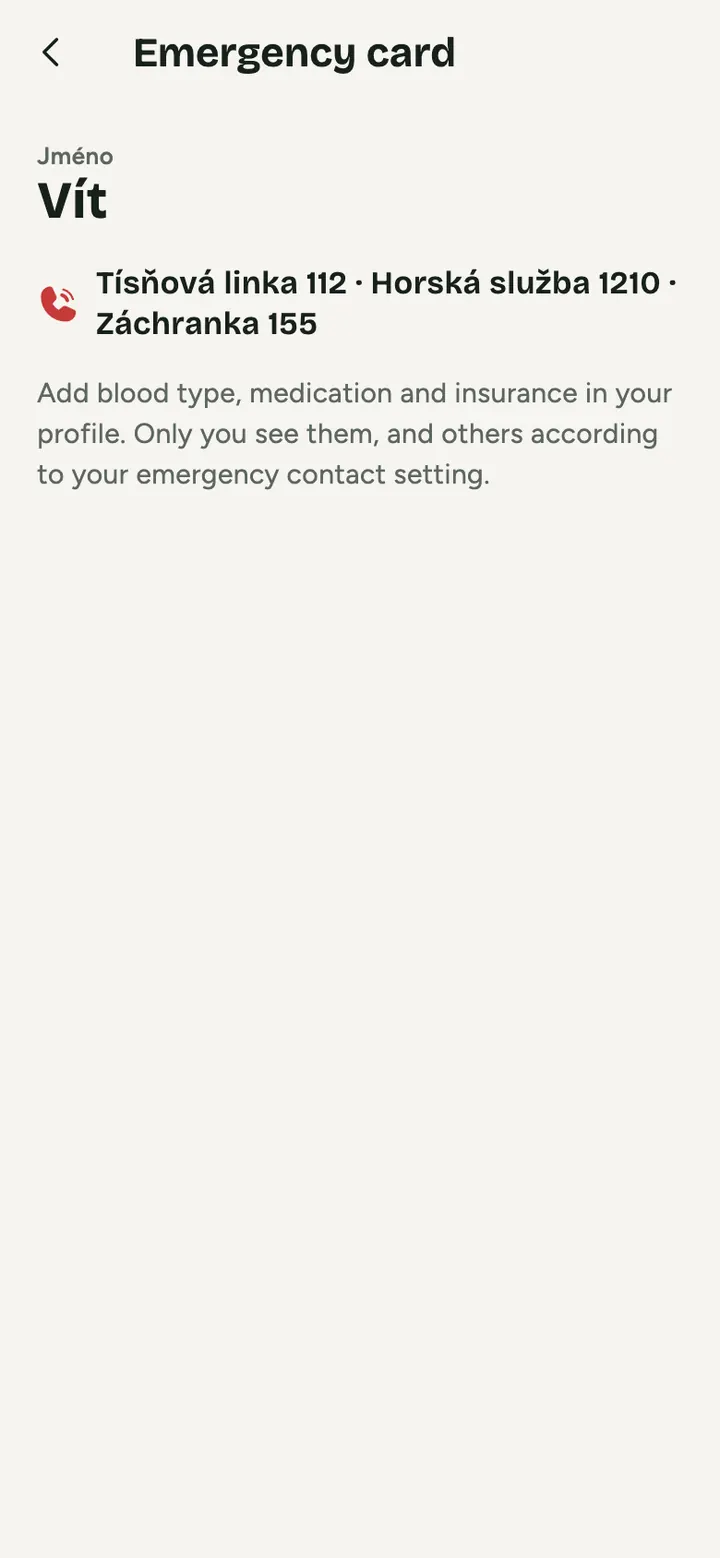
Keep the emergency card handy
Large print, allergies, blood type, contact, insurance and emergency numbers for the trip’s country.
Keep the emergency card handy
Large print, allergies, blood type, contact, insurance and emergency numbers for the trip’s country.
What's saved and what needs signal
Saved
Programme, transport, stays, routes, expenses, Vault codes and passwords, document files and the map around places and routes.
Keep recording
Expenses, food and water are recorded without signal and sent by themselves.
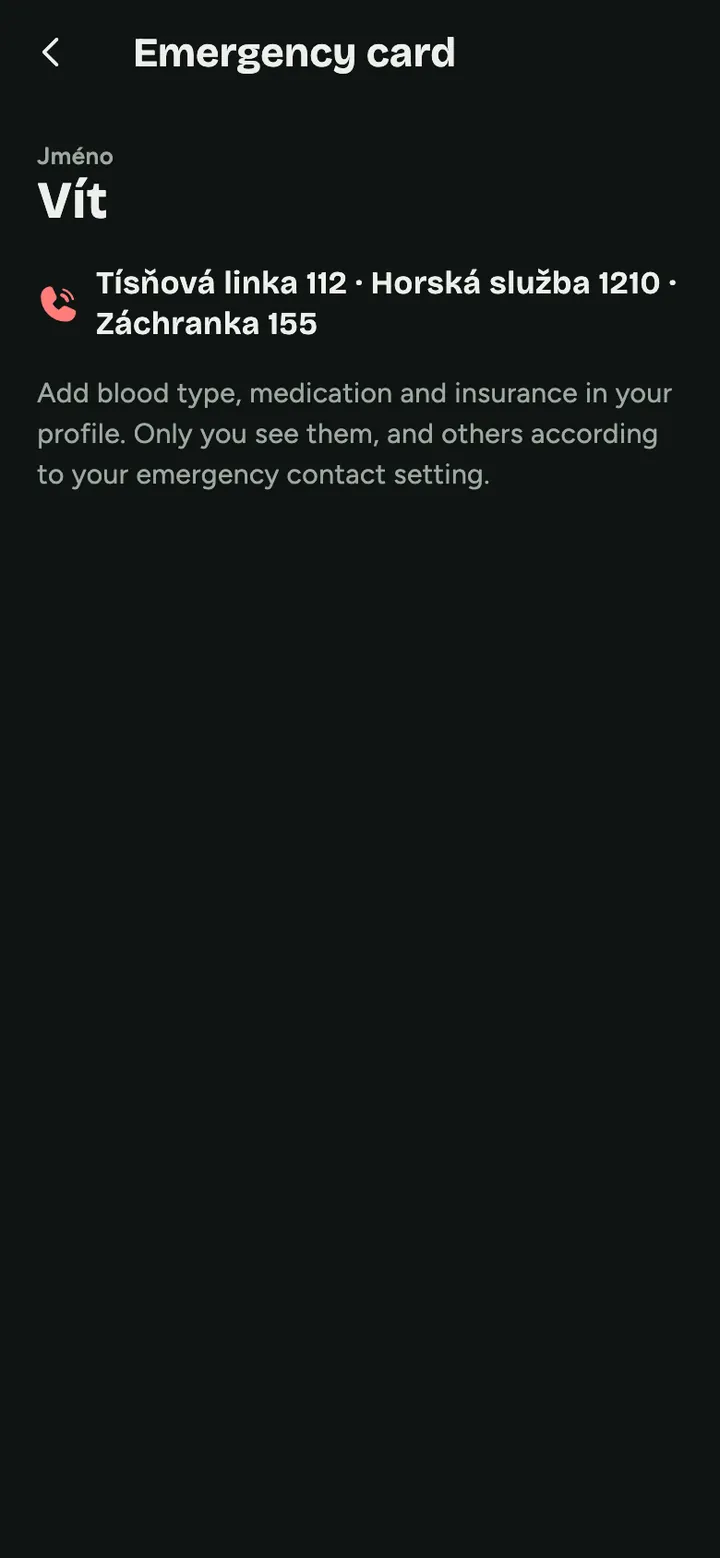
Emergency card
Blood type, medication, insurance, contact and the country's emergency numbers in large print.
What needs signal
Uploading receipts, sharing location and any code not yet on your phone.
And on top of that
- Emergency line with one tap
- Sunset and dusk times calculated without signal
- A reminder: location sharing is not a rescue service
Common questions
Does it replace emergency services?
No. GoFrog does not rescue anyone, it only helps you have details at hand and call for help quickly.
Does the map work without saving?
What you open once is stored automatically. Before a trip it is safer to use Save for the trip, for the map of the whole area.
Is opening the trip enough?
What you open once is saved, but tapping Save for the road before you leave is safer. It also downloads the map of the whole area.
Try it at your next get-together
Create a plan and send the link to anyone you like. It takes a minute.
Get a trip ready for the outdoors