 GoFrog
Together
Family, friends and work. Each has its own place in GoFrog with a wall, a calendar and memories, and Home shows you what's new where.
Open GoFrog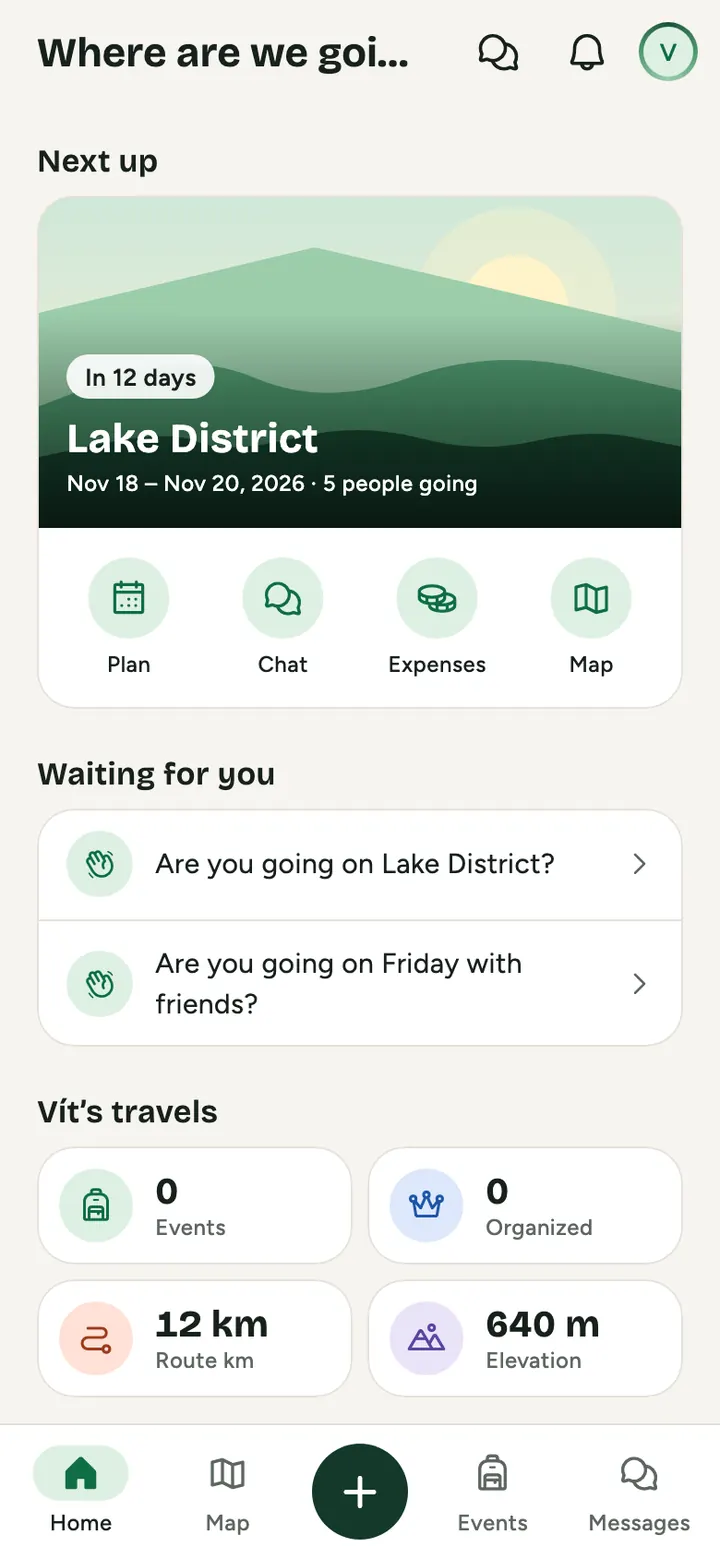
How to do it
Open Home
At the top your next event, below it Company, Family and Crew with what's new and what's waiting for you.
Switch worlds
One tap between Company, Family and Crew. The same header and tabs everywhere, nothing gets mixed.
Stay in the loop
Each world has a wall, a calendar and a chat. On this day reminds you what you lived through together.
What you find in each world
Family
Wall, calendar, living family tree, wishes, cookbook, vault, cabin and car bookings and care for loved ones.
Crew
Board, chat, a regular crew with recurring plans, a crew diary, a keepsake ticket and a book of the year.
Company
Overview, news and questions for management, events, clubs, people and company life tools.
Waiting for me
Invites, votes and tasks from every world in one place.
Plans in progress
Drafts and events that need finishing, in one row.
On this day
A photo and a memory from an event exactly a year ago.
And on top of that
- One account for family, friends and work
- Your company can't see into your family or crew
- Notifications only from what you care about
Common questions
Can my company see what I do with my family?
No. Company, Family and Crew are separate. What you share with your family only your family sees.
Can I have several crews?
Yes. Your mountain crew, your work crew and your school friends, each with its own wall and calendar.
Do I have to use all three worlds?
No. You use only the ones you want.
Try it at your next get-together
Create a plan and send the link to anyone you like. It takes a minute.
Open GoFrog